HTTP Status Codes
HTTP 507 Insufficient Storage
Insufficient Storage — the server lacks space to complete the request
A 507 Insufficient Storage response is an extension of HTTP used primarily in WebDAV (Web Distributed Authoring and Versioning) environments. It indicates that the server cannot fulfill a request because it lacks the physical or virtual space to store the resulting data.
Visual summary
A quick reference view of how HTTP 507 works: A server's internal storage or database overflowing, unable to accept more data.
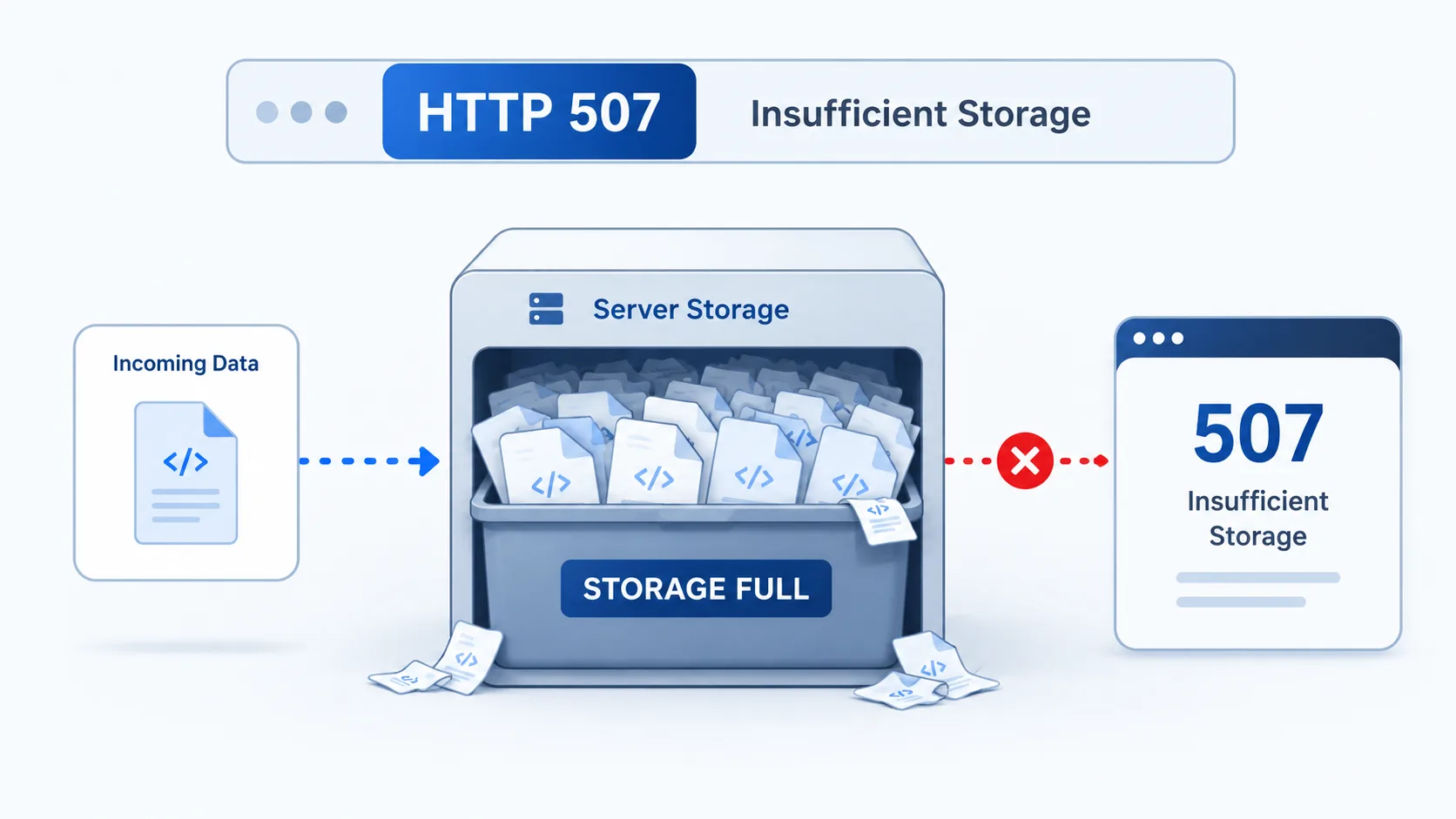
What 507 Means
The shortest useful reading of this status code.
Insufficient Storage means the server lacks space to complete the request.
This status falls into the 5xx class, indicating a server-side error outcome for the request.
Quick read
Insufficient Storage
the server lacks space to complete the request
Technical Context
How this status behaves without turning the page into a repair guide.
Standard usage
While 500 is a generic server error, 507 provides a specific reason: storage exhaustion. It tells the client that the server is operational, but it has no room to accept the incoming payload or create the requested resource.
Technical nuance
This status is critical for automated systems. It allows a client to distinguish between a software crash and a resource shortage, enabling better retry logic or administrative alerting for disk management.
Implementation detail
In modern cloud environments, 507 can also trigger when virtual storage volumes or distributed file systems experience local failures that prevent new data from being committed to persistent storage.
Architecture
The 507 status was introduced in RFC 4918 (WebDAV) to signal that a method could not be completed because the server lacks sufficient storage. While its origin is in WebDAV file-management operations, modern servers and cloud platforms also return 507 when storage volumes, disk quotas, or database allocation limits are exhausted -- even outside WebDAV contexts.
Related HTTP Codes
Nearby HTTP status codes help clarify how 507 differs inside the same response family.
507
Insufficient Storage
the server lacks space to complete the request
500
Internal Server Error
the server hit an unexpected condition while handling the request
503
Service Unavailable
the server is temporarily unable to handle this request
508
Loop Detected
the server found an infinite processing loop while handling the request
Common Causes
Server disk space is completely exhausted
A common condition that triggers a 507 response when the web server evaluates the transaction.
Quota limits reached for the specific user or directory
A common condition that triggers a 507 response when the web server evaluates the transaction.
WebDAV resource limit exceeded during a file upload
A common condition that triggers a 507 response when the web server evaluates the transaction.
Typical Scenarios
An automated backup script fails to upload a database dump because the cloud storage volume is full
A user attempts to save a document to a shared network drive that has reached its hard quota limit
A containerized application attempts to write logs to a mounted volume that has reached its capacity limit
What To Know
Freeing up server disk space or increasing the storage quota for the affected environment resolves the shortage.
Frequently Asked Questions
Common interpretation questions about HTTP 507.
It means the server or storage service you are using has run out of space and cannot save your file or data.
413 means the individual request body is too large for the server to process, regardless of available storage. 507 means the request is valid in size, but the server does not have enough storage space to complete the operation. 413 is about the request; 507 is about the server's available resources.
507 is considered temporary. The RFC specification states that the request should not be repeated until a separate action resolves the storage shortage. Once storage is available, the same request should succeed.